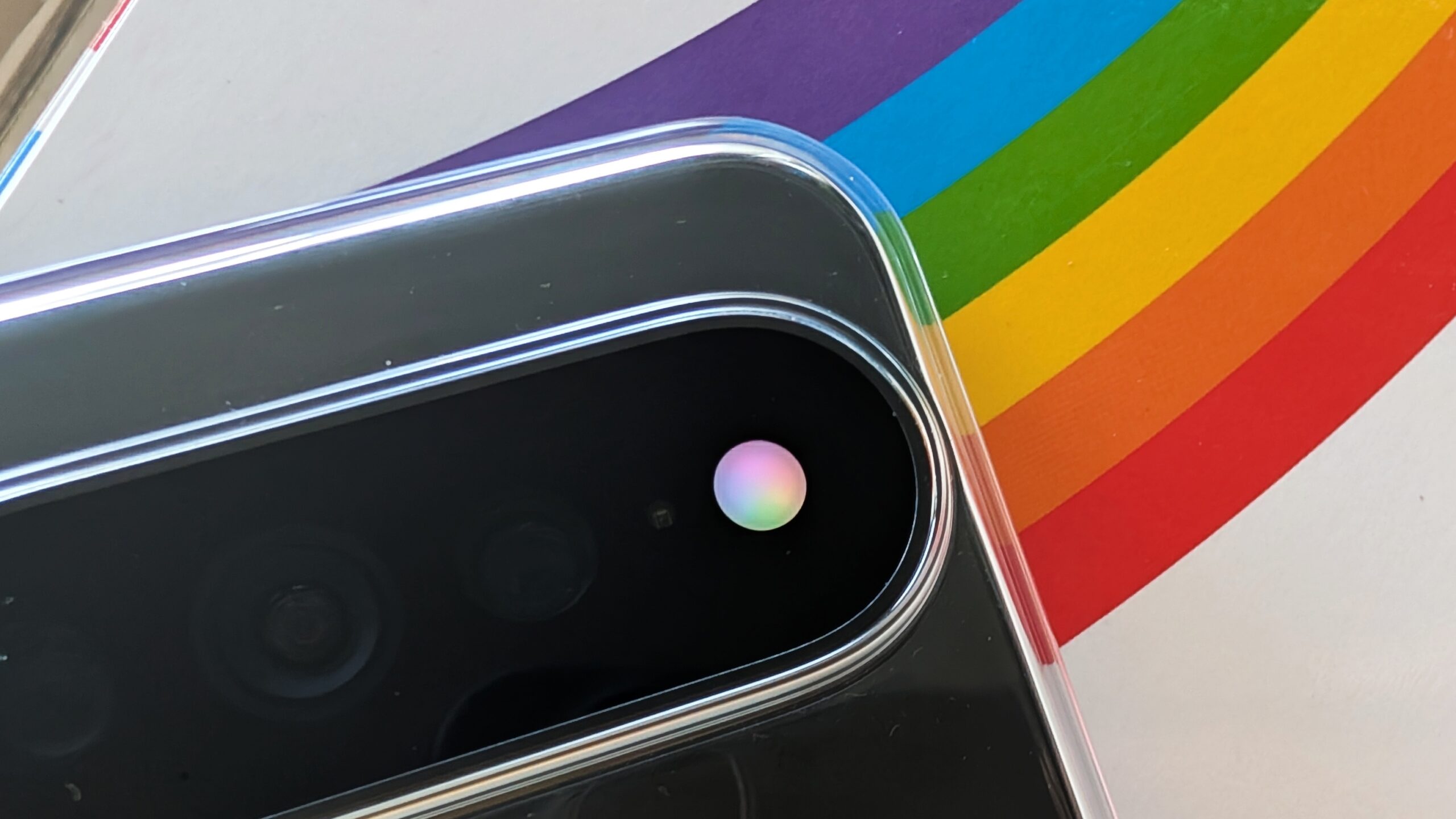
The Google Pixel 11 Pro series introduced a unique hardware feature in the form of the “HiLight” LED array surrounding the rear camera module. However, early adopters quickly discovered that Google’s native software implementation was surprisingly restricted, limiting the light ring to a handful of specific use cases like Gemini interactions or calls from a small list of favorite contacts. Fortunately, a new third-party utility named HiLight Studio has emerged to unlock the hardware’s full potential, transforming this aesthetic ring into a highly functional notification tool.
What happened
Developed by Dhananjay Bhosale, HiLight Studio is an open-source application designed to bypass the stock limitations of the Pixel 11 Pro, Pro XL, and Pro Fold. While the official software is bare-bones, this app permits users to assign custom lighting behaviors to any application installed on the device. Users can choose from several dynamic animations, such as “Pulse,” “Breathe,” “Wave,” “Comet,” and “Rainbow.”
Beyond simple patterns, the app offers deep granular control. Users can create custom color presets, adjusting the saturation and intensity of up to ten individual LED segments to create unique light signatures. For those seeking a more cohesive look, the app can even pull colors directly from the system wallpaper. To make management easier, the developer included a Quick Settings tile for rapid toggling and the ability to import or export presets for easy backup.
Context
Because the HiLight hardware was not necessarily designed for continuous operation over long durations, the developer has integrated several vital safety protocols to protect the LED array from premature wear or overheating. The app automatically dims the brightness if the light remains active for more than ten seconds. Furthermore, it enforces a “global safety limit” where the LED cannot stay on for more than five minutes within any ten-minute window.
Installing the app is a bit more involved than a standard Play Store download. Interested users must sideload the APK from GitHub and utilize the Shizuku tool to grant the necessary system-level permissions after every reboot. This setup process requires navigating Android’s “Notification access” and “Usage access” settings. While an ADB-based setup option exists, initial reports suggest that the Shizuku method is currently the most reliable way to get the core functionality running.
Why it matters
The existence of HiLight Studio highlights a recurring theme in the Android ecosystem: the gap between hardware potential and software execution. Many users felt that Google’s conservative approach to the HiLight LED left a premium hardware feature feeling like a missed opportunity. By providing a community-driven solution, HiLight Studio restores a feature that many long-time Android fans have missed—the dedicated notification LED—but with a modern, customizable twist.
Furthermore, the app’s commitment to being open-source and free of subscriptions or advertisements stands in contrast to many modern “utility” apps. While the installation process may be a hurdle for casual users, the result is a device that feels significantly more personal. It demonstrates that with the right tools, users can reclaim control over their hardware, turning a simple flash-surround into a sophisticated visual alert system that Google arguably should have provided from the start.